Innovation
How to Use VNC on macOS: A Step-by-Step Guide

Saranath Ishara Udayanga
Published on December 12, 2025
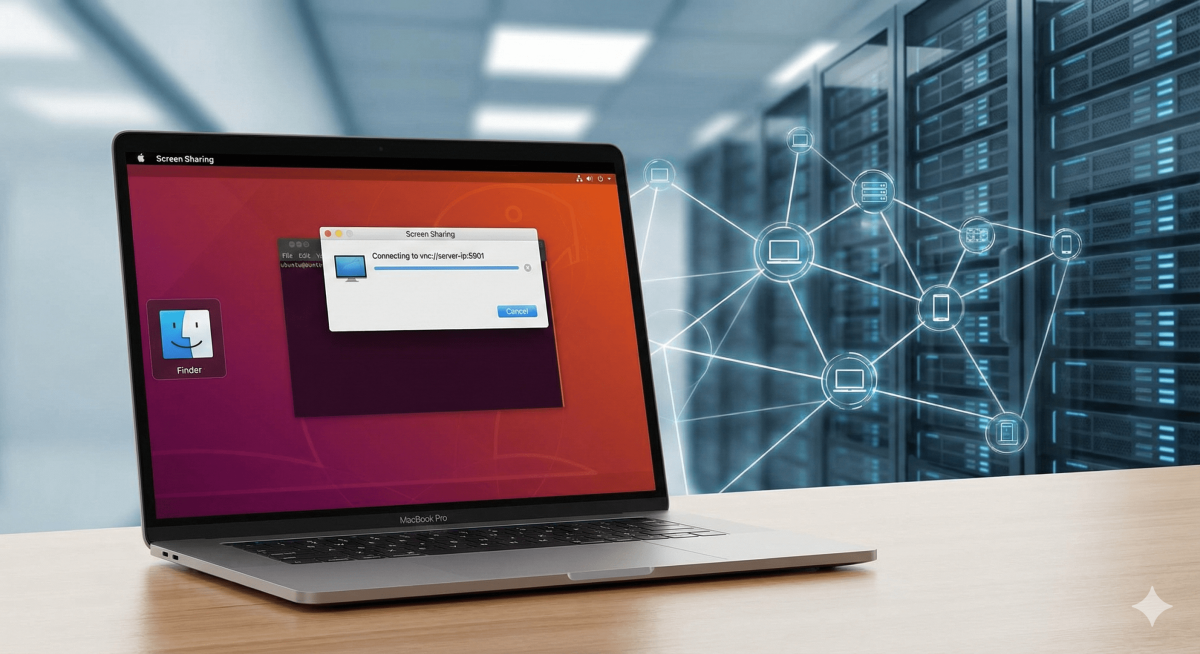
macOS has a built-in VNC client called "Screen Sharing." You can use this if you have a VNC Server (like tightvncserver or x11vnc) already running on the Ubuntu machine and the firewall allows it.
1. Open "Connect to Server":
-
Switch to Finder.
-
Press Command (command) + K.
2. Enter the Address:
-
Type
vnc://IP:5901(Replace5901with your specific VNC port. It is usually5901for display :1 or5900for display :0).
3. Connect:
-
Click Connect.
-
Enter the VNC password when prompted (this is different from your SSH user password).
Note: If this times out or gives a connection error, your IP is likely banned from all ports, not just SSH.